Minecraft House Ideas to Build With Your Kid
Grab your iPad and check out these easy, stress-free Minecraft house ideas to build with your kid, complete with sensory tips and safety settings.
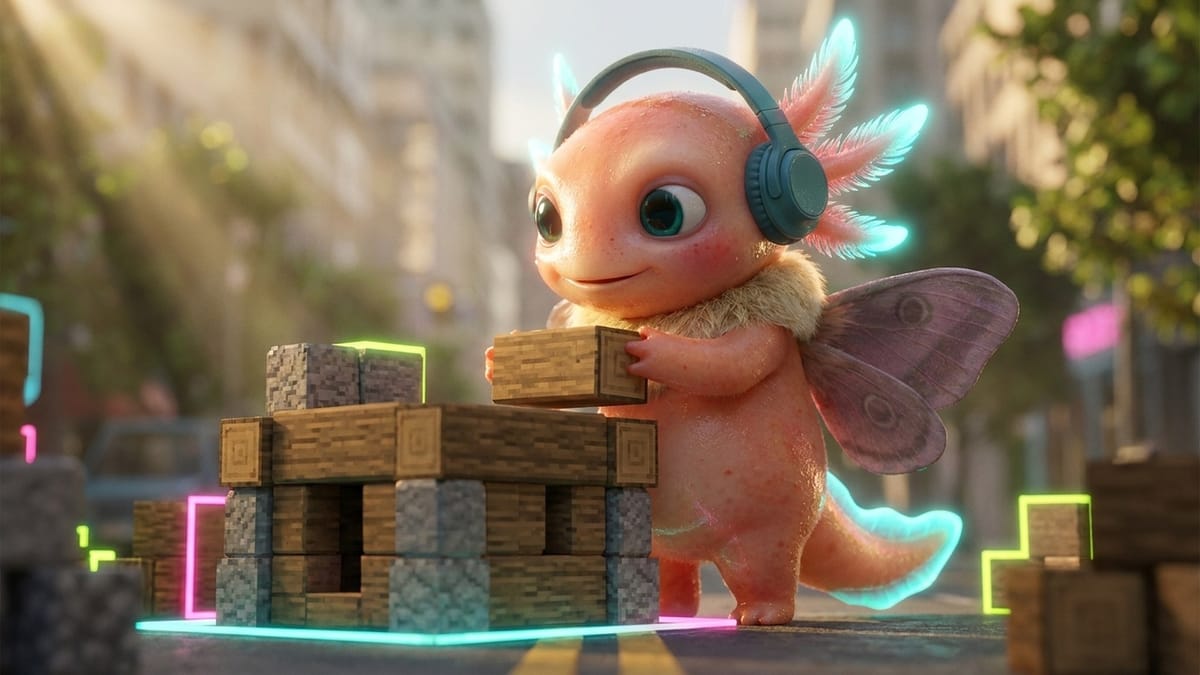
Looking for minecraft house ideas to build with your kid? The best way to start is in Creative mode on flat terrain, laying down simple wooden or cobblestone foundations before adding a roof to keep the monsters out.1 Minecraft is basically a giant 3D sandbox game where players gather blocks to build anything from a simple dirt hut to a massive city.2
Setting Up the Game for Stress-Free Building
Before you start placing blocks, you need the right environment. Minecraft has two main ways to play. "Survival Mode" requires players to mine their own materials and defend their structures against hostile nighttime monsters like zombies, skeletons, and exploding creepers.3,4 If your kid is easily frustrated or stressed by time pressure, skip this.
Instead, use "Creative Mode." This mode provides unlimited resources and tools, disables enemies, and removes survival danger entirely.4,5 It is the perfect stress-free choice for younger kids to practice building. You also want to pick the right version of the game. For iPads and mobile devices, you are playing the "Bedrock Edition," which allows for full cross-platform multiplayer with friends on consoles like the Xbox or Switch.6 If you are confused about the versions, check out our guide on Minecraft Bedrock vs Java: Which One Does Your Kid Need?.
Four Easy Minecraft House Concepts for Parents
Building a house is a core gameplay activity that gives players safe shelter.7 But staring at an infinite blocky world can be overwhelming. Here are a few projects that are easy for grown-ups to help with.
The Starter Box
Beginner projects should start with simple wooden or cobblestone foundations on flat terrain.1 Just build a big square. Kids love counting out the blocks as they place them. Once the walls are three blocks high, add a roof so monsters cannot drop in from above.1 It is basic, but it works, and it gives a quick sense of accomplishment without dragging out the project.
The Sorting Warehouse
Autistic kids often play by scripting, collecting, and sorting items, and Minecraft is perfect for this. Build a large, open-concept room and fill it with rows of treasure chests. You can help your kid categorize their items by putting all the wood in one chest, the stone in another, and the food in a third. The predictable block-building mechanics provide a great way to self-soothe and regulate after a long day at school.8
The Dinosaur Enclosure
Many kids want a place for their animals. Build a house with a massive fenced-in backyard. You can use in-game items to spawn animals, or if they are playing with specific add-ons, they can house their prehistoric pets. Fences are easy to place and connect automatically. For more on that, read The Best Dinosaur Games for Kids: A Parent's Field Guide.
The Underground Bunker
Dark caves and nighttime environments can induce anxiety.3 Instead of building up into the open sky, dig down. Have your kid hollow out a large room underground. It feels safe and enclosed. As long as you build well-lit houses using torches or lanterns, monsters are prevented from spawning inside.3 Plus, mining out the dirt and stone blocks is a great repetitive task.
Sensory & ND Notes
Minecraft is incredibly popular with neurodivergent players because it offers controllable sensory inputs for emotional regulation.8 If your kid is sensitive to sudden noises, jump scares, or visual clutter, the game has extensive accessibility settings.
Parents can disable sensory triggers like screen shake from taking damage, view bobbing, and sudden lightning flashes.9 There is even a specific sensory slider that lets users reduce or completely disable the "Darkness Pulsing" visual effect caused by the terrifying Warden monster.9 The 1.21.2 update (late 2024) also added a "High Contrast Block Outlines" toggle to assist players who are sensory-sensitive or have low vision while they are building.9
On the audio side, the game features full captioning for ambient sounds, enemy noises, and footsteps.10 This is great for players with auditory processing differences because you can read that a spider is nearby before you hear it.
When it is time to transition away from the screen, remember that building has no natural stopping points. Give a concrete goal rather than a time limit. Try saying, "We will finish building this roof, and then we save and quit."
The Brain Benefits of Block Building
You might feel like you are just stacking digital bricks, but the science says otherwise. Constructing 3D houses from 2D plans in Minecraft significantly improves children's spatial reasoning and mental rotation skills.11 In fact, 2025 research published in the Journal of Educational Technology showed that children who regularly play Minecraft demonstrate 32% better results on spatial thinking tests.12
A 2025 systematic review in the Review of Education also found that playing the game yields positive effects on creativity and mathematics skills.13 Furthermore, collaborative building projects reduce learning anxiety and significantly improve algorithmic thinking.12 A UC Irvine study even revealed that a night of rest improves performance on spatial memory, but not navigation, when using the game's environments.14
Keeping the Game Safe and Private
The mobile iOS and Android versions cost a one-time fee of roughly $6.99.15 PC players have to buy a $29.99 bundle containing both Java and Bedrock editions.6 Once you own the game, you need to lock down the multiplayer settings.
Multiplayer access and chat cannot be restricted inside the game menu.16 They must be managed externally via the Xbox Family Settings App or Microsoft Family Safety website.16 Experts strongly advise disabling public multiplayer chat for young children because in-game chat filters are not foolproof.17 You can completely disable multiplayer or restrict text and voice chat to "Friends Only" to prevent contact with strangers.18
If your kid plays on an iPad, you can use Apple's Screen Time settings to set daily app limits and block in-app purchases of Minecoins.19 Minecoins are a premium currency used to buy cosmetic skins and pre-built house templates.20 It is remarkably easy for a kid to accidentally spend real money if those purchase settings are left unlocked.
If they want to play with friends safely, Minecraft Realms offers private, always-online servers. A basic Realm costs $3.99 a month for two friends, or $7.99 a month for ten friends.21 Despite third-party options, 2026 tech reviews still highlight Realms as the lowest-friction, safest hosting option for parents managing casual play.22
For a deeper look at managing these settings, read Minecraft for Parents: The Complete Field Guide. You might also want to read up on how worlds are generated in our guide to Minecraft Seeds Explained: Why Kids Trade Number Codes.
Quick Parent Checklist for Building
- Set the game mode to Creative or switch the game difficulty to "Peaceful" mode to completely remove scary monsters.23
- Ensure multiplayer is turned off or set to Friends Only via Microsoft Family Safety.
- Pick a flat piece of land to start your foundation.
- Turn on audio captioning and disable screen shake in the accessibility menu.
- If your kid is asking about brewing stands for their new house, check out Minecraft Potions, Explained for Parents.
FAQ
What age is Minecraft appropriate for?
The ESRB rates the game E10+ (Everyone 10 and up) in North America for fantasy violence against monsters.20 In Europe, it carries a PEGI 7 rating, meaning it is considered suitable for children aged 7 and older.4 On the Apple App Store, the iOS app is rated 9+ for infrequent or mild cartoon violence.7
How much does it cost?
The mobile versions for iPad and Android cost around $6.99.15,20 Console and PC versions range from $19.99 to $39.99, with the PC version now sold as a $29.99 bundle.6,20
My kid wants to play with a controller on the iPad. Is that possible?
Yes. While touch controls are standard on the iPad, Bluetooth controllers are natively supported for easier building.24
Are there new versions coming out?
The game is constantly updated. In June 2026, the ESRB rated a native Nintendo Switch 2 version,25 and Minecraft for Nintendo Switch 2 launched on October 27, 2026, with a free upgrade for owners of the digital Switch version (Nintendo).
Sources
- Minecraft House Tutorial for Parents and Teachers. Tynker
- What is Minecraft. Minecraft
- Minecraft Trial. Apps on Google Play
- Is Minecraft Safe for Kids? A Parents Guide & Age Rating. JusTalk
- Minecraft. IGN
- Minecraft Java vs Bedrock 2026: $29.99, Which to Play?. Tech Insider
- A Parent's Guide to Minecraft. App Store - Apple
- Minecraft as a Safe Haven: How Neurodivergent Gamers Use It for Sensory and Emotional Regulation. ChristineMarmoy
- Minecraft Accessibility Settings, Reviewed and Scored. Coffee & Fun LLC
- The Best Accessible Games For Deaf And HoH Gamers. EIP Gaming
- Minecraft as a Block Building Approach for Developing Spatial Skills. ResearchGate
- How Minecraft Teaches Kids Problem-Solving: 6 Essential Skills for Future Success. Journal of Educational Technology
- Assessing the benefits of digital game-based learning with Minecraft in children, adolescents and young adults: A broad systematic review. Research at TUS
- Using Minecraft to study sleep's role in memory. UCI School of Social Sciences
- Minecraft Price: A Comprehensive Guide to Each Edition. Tynker.com
- Set Up Microsoft Family Groups for Parental Controls in Minecraft. Microsoft
- What Is Minecraft? An App Review for Parents and Families. Bark
- Parental Controls in Minecraft. Minecraft
- Minecraft Parental Controls: Setup for Switch, Xbox, PS5, PC & iPad (2026). Timily
- What Parents Need to Know About Minecraft. ESRB
- Minecraft Realms Cost | Plans, Pricing & Fees. Subpilot
- Minecraft Realms 2026: Features & Setup. Tech Reviews
- Online Safety Minecraft Parental Controls Guide. Facebook
- Minecraft: Dream it, Build it!. App Store - Apple
- Minecraft Receives ESRB Rating for Nintendo Switch 2. TwistedVoxel