Minecraft Seeds Explained: Why Kids Trade Number Codes
A minecraft seed is just a string of numbers that generates a specific world, letting kids share exact starting locations for free without ever playing online.
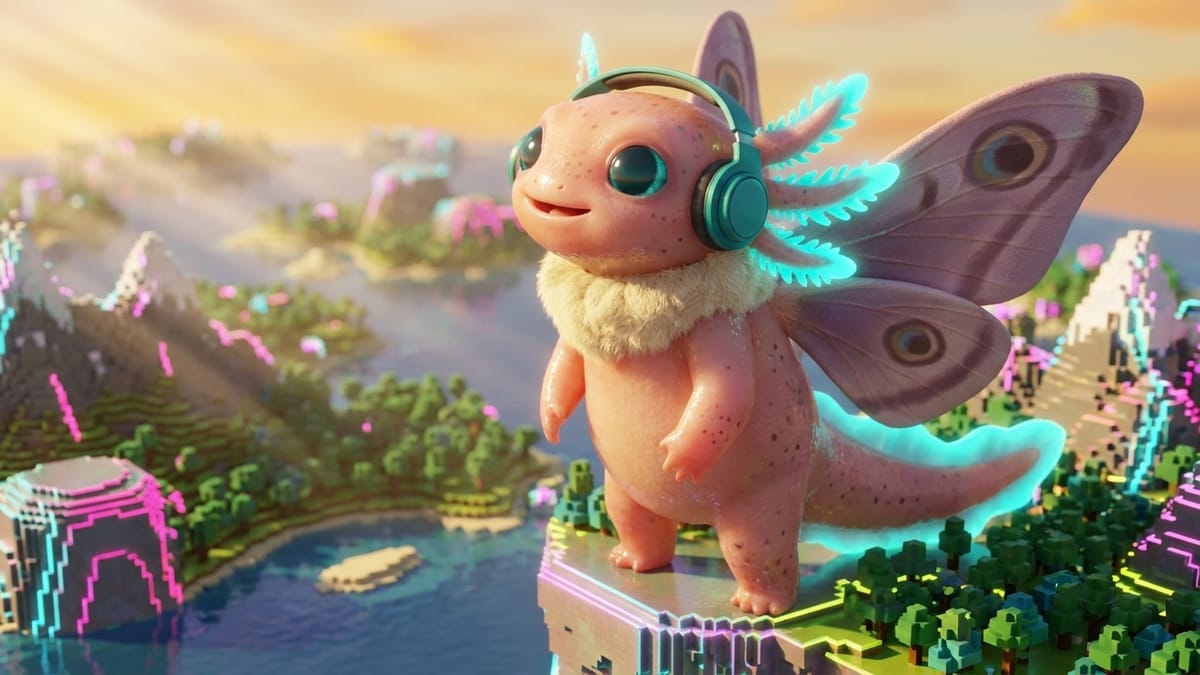
A minecraft seed is a specific string of numbers or text used by the game's procedural generation algorithm to create a unique world terrain1. By typing in this code, players can generate the exact same starting world layout as someone else without needing to play online together1. Kids trade these codes at school or text them to friends to guarantee they start right next to rare resources, villages, or interesting biomes like cherry blossom forests and mangrove swamps1.
For a lot of kids, knowing exactly what a virtual world will look like before it even loads is incredibly comforting. It is the playground equivalent of giving a friend the exact coordinates to a hidden treehouse, ensuring everyone gets to see the cool stuff without wandering around lost.
The Math Behind the Maps
To understand how this works, it helps to know how the game builds its environments. When you start a new game without entering a code, the computer picks a random string of numbers. The game's math algorithm reads those numbers and uses them as a recipe to build mountains, place trees, and carve out rivers. If you manually type in a specific number string, the algorithm does the exact same math in the exact same order, resulting in an identical map.
The game exists in two main formats: Java Edition for PC and Mac, and Bedrock Edition for the iPad, mobile devices, consoles, and Windows2. In the past, a code that worked on a computer would spit out complete garbage on a tablet. Today, seed generation has largely converged between Java and Bedrock, meaning the same code generally produces the same basic terrain on an iPad as it does on a PC1. There are a few minor generation differences that remain between the platforms, so the exact locations of structures like a village or temple might slightly vary on an iPad compared to Java Edition, but the mountains and oceans will match1. If you are confused by the different versions, our Minecraft for Parents: The Complete Field Guide breaks it down in plain English.
Are They Free? Costs and the Marketplace
As parents, we are conditioned to flinch whenever our kids ask about a new feature in a video game, expecting a prompt for our credit card. But using a code to generate a specific world is built directly into the standard world-creation menu of the base game3.
The game does feature a separate Minecraft Marketplace where players can spend real money, via a premium currency called Minecoins, on pre-built worlds, texture packs, and character cosmetics2. You can read more about how those cosmetics work in Minecraft Skins: What They Are and How to Change Them. However, the random number strings kids swap with their friends to generate standard maps are completely independent of this store.
Safety First: Offline Exploration
One of the biggest reliefs about this system is how it handles multiplayer. Playing a shared code in single-player mode is completely offline and does not expose children to strangers or online chat4. They get the fun of sharing an experience with a friend—exploring the same mountains or finding the same hidden treasure—without the risks of a public server.
If they actually want to explore that specific map together in real time, they have to play online. Younger players use Microsoft child accounts (the age cutoff is 13 in the US and varies by country), which a parent manages through a Microsoft account4. Multiplayer and online chat features are disabled by default on all child accounts4.
Parents can manage multiplayer and chat permissions for a child account through Microsoft Family Safety, not just on the device itself4. For a full walkthrough on getting these settings right, check out Minecraft Parental Controls: A Step-by-Step Parent Guide.
Sensory & ND Notes: How Autistic Kids Play
We need to talk about why this feature is such a massive hit with neurodivergent kids. Autistic children often thrive on predictability and routine. The open-ended nature of sandbox games can sometimes feel overwhelming because there are no instructions and no set path. By entering a specific string of numbers, they eliminate the unknown. They know exactly where the village is, where the trees are, and where to build their base.
This plays perfectly into common neurodivergent strengths and play styles. Many autistic kids love collecting, sorting, and repeating actions. A known map allows them to script their gameplay, gathering resources in a specific order or organizing their inventory endlessly without the stress of getting lost. Transitioning away from screen time can be notoriously difficult, but you can use this to your advantage. One helpful routine is to have your kid write down their map's code in a physical notebook right before turning the iPad off. It provides a natural, tactile end point to the session and reassures them that their specific world will be waiting for them exactly as they left it.
That said, there are sensory elements to watch out for. Survival mode features hostile monsters like Zombies, Skeletons, Spiders, and Creepers; while they are pixelated and lack blood or gore, they can still cause a jump scare4,5.
You should also keep an ear out for specific biomes. A 2026 game preview introduced Ice Caves and brittle ice that cracks underfoot, adding sudden sensory audio and falling hazards into deep crevasses6. Players may also encounter frightening underground environments like the fiery Nether underworld7. If your kid is sensitive to time pressure or jump scares, switching the game to Peaceful mode or Creative mode removes these threats entirely.
The Science of 3D Building
When your kid spends three hours meticulously building a castle on a map they generated, they are actually doing heavy lifting for their brain. Navigating and building in this 3D environment has been shown to significantly improve children's spatial reasoning and geometric understanding8. Researchers note that spatial intelligence developed through 3D gaming is a strong indicator of future achievement in STEM fields8.
By observing student gameplay, researchers at Northwestern University identified five specific in-game practices that actively develop transferable spatial manipulation skills10. The open-world sandbox format encourages algorithmic thinking, resource management, and creative problem-solving in an environment where mistakes carry no real-world consequences11.
It is very similar to the benefits of physical building toys. You can find more on that connection in Minecraft Gifts That Aren't Just More Screen Time and our guide to LEGO Minifigures for Parents: Collecting, Explained.
Parent Checklist for World Generation
- Check the game mode: Make sure the world is set to Creative mode if your kid wants to build without worrying about health bars, hunger, or monsters.
- Verify offline status: Double-check that multiplayer is toggled off in the world settings so they are playing locally and safely.
- Write down favorites: Keep a note on your phone with their favorite number strings so they don't lose access to a beloved map layout if a save file gets corrupted.
Short FAQ
What is the age rating for the game?
The ESRB rates the game E10+ (Everyone 10+) for Fantasy Violence, noting interactive elements like in-game purchases and user interaction2. PEGI gives it a 7+ rating due to mild fantasy violence, fighting, and pixelated scary scenes5. On mobile devices, Apple's App Store currently rates the iPad app as suitable for ages 9+4.
Will my kid be scared by the new movie?
It is definitely possible. The live-action movie released in 2025 is rated PG by the MPAA for violence/action and scary images, which may frighten younger children12,13. The blocky monsters of the game look much more intense and realistic in live-action.
Do the codes ever stop working?
The numbers themselves never expire, but major game updates can change how the algorithm reads them. If a kid tries to use an old number string from 2018 on a modern version of the game, the resulting terrain will likely look completely different than it originally did because the game's internal math has been updated.
Sources
- Minecraft Seed Map: A Parent and Teacher Guide. tynker.com
- What Parents Need to Know About Minecraft. esrb.org
- 15 Best Minecraft Seeds: How to Pawn for the best Adventures. seekahost.co
- Minecraft Age Rating - Is Minecraft Safe for Kids? virtual-addiction.com
- What do I need to know about Minecraft? A guide for parents and carers. childnet.com
- Minecraft Preview 26.70.20 Patch Notes - Minecraft Guide. ign.com
- Minecraft Parents' Guide. minecraft.net
- Minecraft Learning System for Spatial Reasoning in Middle Grades Kids. nsf.gov
- Building Skills? What Minecraft Really Does for Children's Thinking. learningandthebrain.com
- Spatial Reasoning in Minecraft: An Exploratory Study of In-Game Spatial Practices. northwestern.edu
- How Minecraft Teaches Kids Problem-Solving: 6 Essential Skills for Future Success. coddyschool.com
- A Minecraft Movie (2025) (PG) - 1.4.3 | Age Rating & Parents' Guide. kids-in-mind.com
- A Minecraft Movie | Age rating and content warning guide for parents. classificationoffice.govt.nz