The Chrome Dinosaur Game: How It Works and Why Kids Love It
Discover why a simple offline T-Rex runner is the ultimate parent hack for unexpected internet outages.
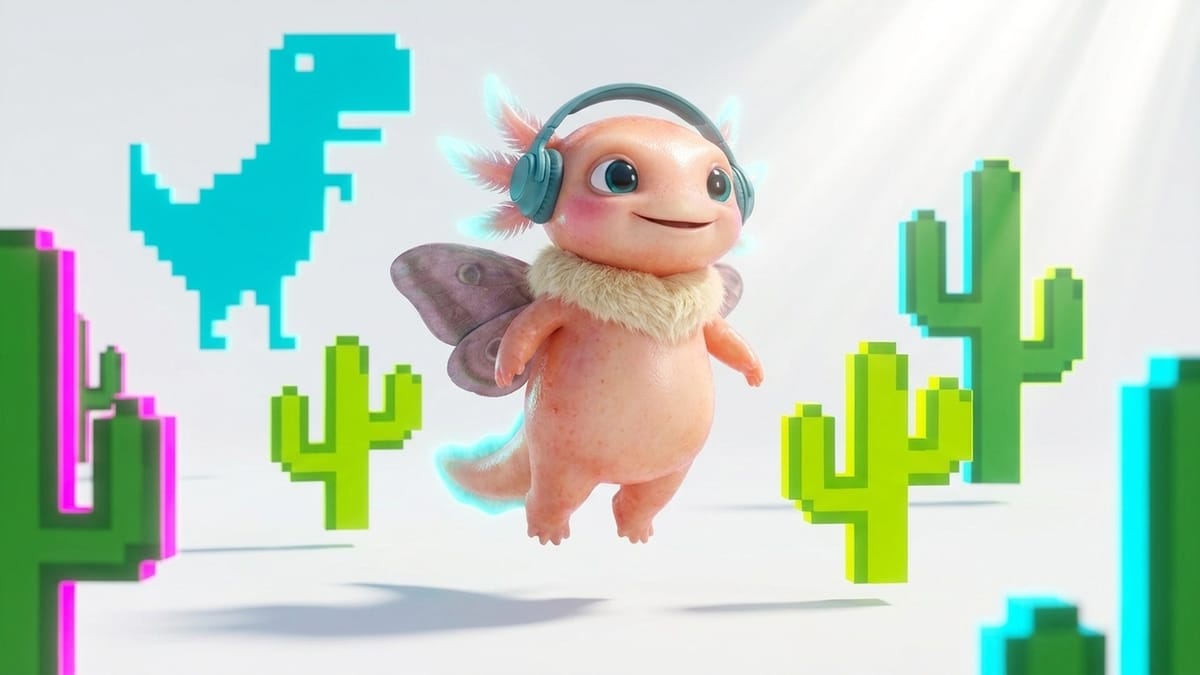
The Chrome dinosaur game is a minimalist, endless-runner Easter egg built directly into the Google Chrome web browser1. Kids love it because it instantly turns a frustrating internet outage into a highly accessible, surprisingly addictive challenge where a pixelated T-Rex jumps over obstacles1. There is no loading screen, no login page, and absolutely no setup required to start playing.
We have all been there: you are in the middle of a long car ride, the cellular data drops, and a tiny prehistoric creature appears on the screen. Instead of groans, you hear the furious tapping of a new high score attempt.
How the T-Rex Runner Works
The mechanics are incredibly straightforward, which is exactly why it appeals to such a wide age range. Players tap the screen on a tablet or press the spacebar on a keyboard to make a pixelated Tyrannosaurus rex jump over cacti and duck under flying pterodactyls1. The goal is simply to survive as long as possible while a score counter ticks upward in the top right corner.
When the T-Rex eventually hits a cactus, it just stops, and a "Game Over" message appears. You press the jump button again, and it instantly restarts. It is purely about timing, rhythm, and pattern recognition.
You can find unofficial iOS widget versions, such as "Chrome Dino Run," which are rated 4+ on the Apple App Store2, but the native browser version remains the standard. If you are exploring other options for your paleontology fans, you might also want to check out The Best Dinosaur Games for Kids: A Parent's Field Guide.
Cost, Platforms, and Safety
One of the biggest wins for parents is that the official browser version is entirely offline and safe. You never have to worry about who your child is talking to or what microtransactions they might accidentally click. It is a completely closed loop.
It is natively available on almost any device you own, whether that is a desktop computer, a smartphone, an iPad, or a Chromebook, as long as it is running the Google Chrome browser. The game is also highly popular among students as an "unblocked game"3. Since it lives inside the browser itself, kids can often play it during computer lab downtime without needing to access external gaming websites.
Sensory & ND Notes
For neurodivergent children, this simple endless runner offers a lot of hidden strengths. Autistic kids often thrive on predictability, and the rules here never change. You jump, you duck, you survive. There are no complex social dynamics to parse, no confusing menus, and no arbitrary time limits forcing hasty decisions.
Transitions are notoriously difficult for many neurodivergent kids. Moving from a preferred activity, like watching a video, to a non-preferred state, like staring at a broken loading screen, can trigger immense anxiety. Having this automatic offline activity appear provides an instant, predictable replacement. It turns a moment of frustration into a moment of focus.
The gameplay loop also supports how many autistic kids prefer to play. The repetition of the scrolling landscape allows for a soothing, rhythmic experience. Kids might engage in scripting by narrating the jumps, or they might just enjoy the pattern recognition and sorting required to clear the obstacles. Special interests are a massive strength, and for kids who love prehistoric creatures, controlling a T-Rex is intrinsically motivating.
However, there are a few sensory notes to keep in mind. The scrolling speed continuously accelerates the longer a player survives1. At 700 points, the game triggers a day/night cycle, abruptly inverting the screen from a white background to a black background4. This reverses back to daylight at 1,400 points4. If your child struggles with unexpected visual changes, it helps to warn them about the 700-point mark ahead of time.
The Science Behind the Jumps
The application in higher science is fascinating. A recent electroencephalography (EEG) study utilized the game to successfully train participants' motor imagery and brain-computer interface control accuracy5. Essentially, scientists are using this exact T-Rex to help map how brains communicate with machines. Kids who love analyzing systems and rules, a common strength among autistic children, might find it fascinating that the same activity they play on their tablet is used to teach machines how to think.
Furthermore, university computer science programs often use it as a foundational tool to teach students how to build AI neural networks and genetic algorithms6. It is a fantastic entry point for kids interested in coding and automation. If your kids love learning the real facts behind their favorite prehistoric media, they might also enjoy reading Are Jurassic Park Dinosaurs Accurate? What Science Says or Feathered Dinosaurs: Why the Pictures Changed.
New Mods and Fun Trends
Tech-savvy kids and developers are constantly finding new ways to interact with the game. A popular fan-made version released in late 2025, known as "Term-Rex," allows kids to play using ASCII text characters directly inside a computer coding terminal7. It is a brilliant way to get kids comfortable with command-line interfaces without feeling like they are doing homework.
Another major 2020 trend involves kids programming AI bots or building physical Arduino robots to automatically play the game for them8. This turns a simple jumping challenge into a hands-on robotics and engineering project. For those who just want to play different versions, unofficial browser sites like elgooG have expanded their offerings to include returning Olympic gymnastics modes9. It is similar to how kids love modding other games, which you can read more about in Minecraft for Parents: The Complete Field Guide or even when watching The Best Dinosaur Shows for Kids to see how fan communities build on existing media.
Quick Parent Checklist
- Cost: 100% free. No in-app purchases or subscriptions for the official browser version.
- Safety: Completely offline.
- Access: Built into the Google Chrome browser on desktops, tablets, and smartphones.
- Transitions: Excellent tool for bridging unexpected downtime when internet connectivity fails.
- Sensory Warning: The screen will abruptly flash to dark mode at 700 points and flash back to light mode at 1,400 points.
Frequently Asked Questions
Does the game ever actually end?
Technically, yes, but no human will ever see it. The game is mathematically coded to run for 17 million years, matching the exact amount of time the T-Rex species existed on Earth1. So, your kid can keep their high score run going for a very long time.
Is it safe for young kids?
Yes. The official browser version is entirely offline and safe. It is one of the safest digital activities available, provided they are playing the native Chrome version and not a third-party app packed with ads.
Can it be turned off if it becomes a distraction?
Yes. If it becomes too much of a distraction during homework time, parents and school administrators can disable it on managed Chromebooks or accounts. When disabled by an administrator, the game will not launch; instead, the offline screen displays an unplayable graphic of a meteor1.
Why does the screen suddenly turn black?
At 700 points, the game triggers a day/night cycle, abruptly inverting the screen from a white background to a black background4. It reverses back to daylight at 1,400 points4. This is just a visual milestone to show progress, but it can be surprising the first time it happens.
Sources
- Dinosaur Game. wikipedia.org
- Chrome Dino Run. apple.com
- UNBLOCKED DINO GAMES. mwp.com
- Everything we know about Chrome Dino Game: From Game Mechanics to the Hacks. dev.to
- Schematic illustration of blocks in the EEG experiment. researchgate.net
- Using Machine Learning to Calibrate Automated Performance Assessment. mdpi.com
- This fun fan-made Terminal version of Chrome's Dinosaur Game uses ASCII. xda-developers.com
- How to beat Google's Chrome dinosaur game with Arduino. tomshardware.com
- Play Chrome Dino Game: Olympic Gymnastics. elgoog.im